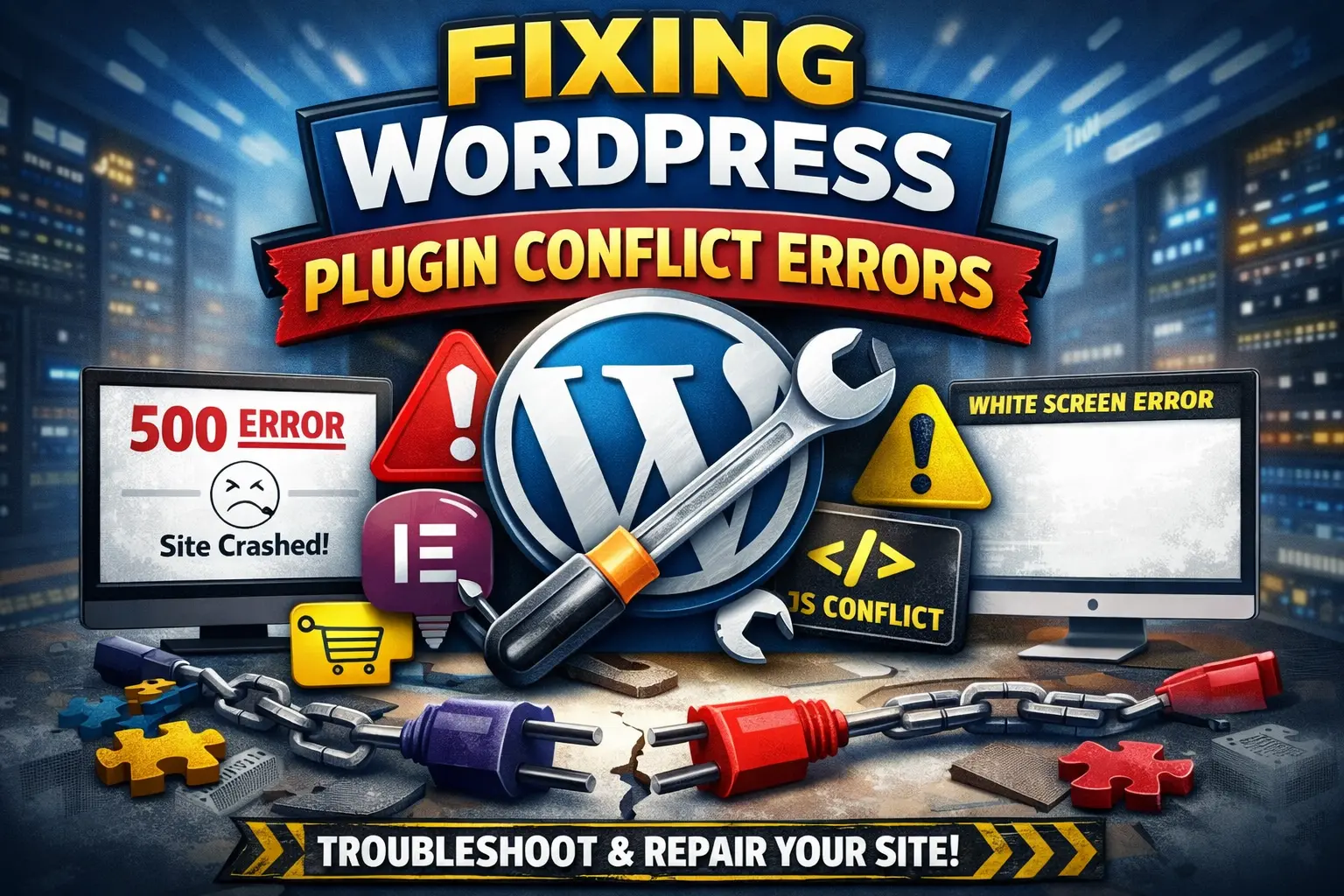
WordPress plugin conflict errors are one of the most common reasons WordPress websites break.
If your site suddenly shows a 500 Internal Server Error, white screen, broken layout,
or missing functionality after installing or updating a plugin, you are most likely facing a plugin conflict.
In this in-depth guide, you’ll learn what WordPress plugin conflicts are,
why they happen, how to fix them safely, and
when you should use a professional WordPress plugin conflict fixing service.
What Is a WordPress Plugin Conflict?
A WordPress plugin conflict occurs when two or more plugins — or a plugin and your theme —
try to run incompatible code at the same time. Because WordPress relies heavily on hooks,
filters, JavaScript libraries, and PHP functions, even a small mismatch can cause serious errors.
Plugin conflicts are especially common on websites that use:
- Multiple feature-heavy plugins
- Outdated plugins or themes
- New PHP versions (PHP 8+)
- Cache or security plugins
If not fixed quickly, plugin conflicts can negatively impact
technical SEO,
user experience, and website revenue.
Common WordPress Plugin Conflict Errors & Symptoms
Not all plugin conflicts show a clear error message. Below are the most common signs:
- 500 Internal Server Error after plugin update
- White Screen of Death (WSOD)
- WordPress admin panel not loading
- Website stuck in maintenance mode
- Contact forms not submitting
- WooCommerce checkout page broken
- JavaScript errors in browser console
- Fatal PHP errors when activating a plugin
Many users mistake these issues for hosting problems, but in reality,
plugin conflicts cause more WordPress crashes than hosting failures.
Why WordPress Plugin Conflicts Happen
1. Plugin vs Plugin Incompatibility
Some plugins load the same JavaScript libraries or override WordPress hooks.
When both plugins try to control the same function, conflicts occur.
2. Plugin vs Theme Conflict
Poorly coded themes often override core WordPress functionality.
When a plugin expects standard behavior, the site breaks.
3. PHP Version Mismatch
After upgrading hosting servers to PHP 8+, many older plugins stop working,
causing fatal errors or blank pages.
4. Failed or Incomplete Plugin Updates
Interrupted updates can corrupt plugin files, resulting in unpredictable errors.
5. Cache & Security Plugin Conflicts
Cache plugins, firewall plugins, and CDN integrations often conflict
with form plugins, page builders, or WooCommerce features.
SEO Impact of WordPress Plugin Conflict Errors
Many site owners don’t realize that plugin conflicts are a serious SEO issue.
Even if the website loads sometimes, hidden errors can:
- Block Googlebot crawling
- Break mobile usability
- Increase bounce rate
- Reduce Core Web Vitals scores
- Cause sudden ranking drops
If Google encounters repeated errors, your pages may stop indexing.
This is why plugin conflicts should be treated as a
critical WordPress error, not a minor issue.
How to Fix WordPress Plugin Conflict Errors (DIY Methods)
⚠ Warning: These methods are risky on live websites.
Step 1: Disable All Plugins
Deactivate all plugins and reactivate them one by one to identify the conflict.
This method works but can cause downtime.
Step 2: Switch to a Default Theme
Switch to a default WordPress theme to check theme-plugin compatibility.
Step 3: Enable Debug Mode
Enable WP_DEBUG to view PHP error messages and logs.
Why DIY Fixing Is Risky
- May break live traffic
- Can lose plugin settings
- Risk of SEO damage
- Time-consuming for non-developers
For business, AdSense, or eCommerce sites, professional fixing is the safest option.
Professional WordPress Plugin Conflict Fixing (Recommended)
A professional WordPress plugin conflict fix focuses on
safe debugging without downtime.
Our Plugin Conflict Fixing Process
- Enable safe error logging
- Identify exact conflicting plugin or code
- Fix PHP, JavaScript, or CSS issues
- Replace incompatible plugins if needed
- Ensure compatibility with theme & PHP version
- Test all site features thoroughly
During fixing, we also check
website speed optimization
and basic
WordPress security issues.
Plugin Conflict Errors We Commonly Fix
- WordPress plugin update broke website
- WooCommerce plugin conflicts
- Elementor and page builder conflicts
- Cache plugin breaking site layout
- Security plugin blocking forms
- Admin dashboard not accessible
Who Needs WordPress Plugin Conflict Fixing?
- Bloggers and niche website owners
- WooCommerce store owners
- AdSense publishers
- Small business websites
- Agencies managing client sites
If your website generates traffic, leads, or revenue,
plugin conflicts must be fixed immediately.
How Much Does WordPress Plugin Conflict Fix Cost?
- Basic plugin conflict fix: ₹999 – ₹2,999
- Complex or WooCommerce conflicts: ₹3,000 – ₹7,000
One-time fix. No hidden charges.
How to Prevent Plugin Conflicts in the Future
- Use only trusted plugins
- Keep plugins and themes updated
- Test updates on staging site
- Limit unnecessary plugins
- Use compatible PHP versions
Preventive maintenance is part of
WordPress maintenance services.
Fix WordPress Plugin Conflict Errors Today
If your WordPress website is broken due to a plugin conflict,
don’t wait until traffic or revenue drops.
👉 Contact us today for fast, safe, and affordable
WordPress plugin conflict fixing by experts.