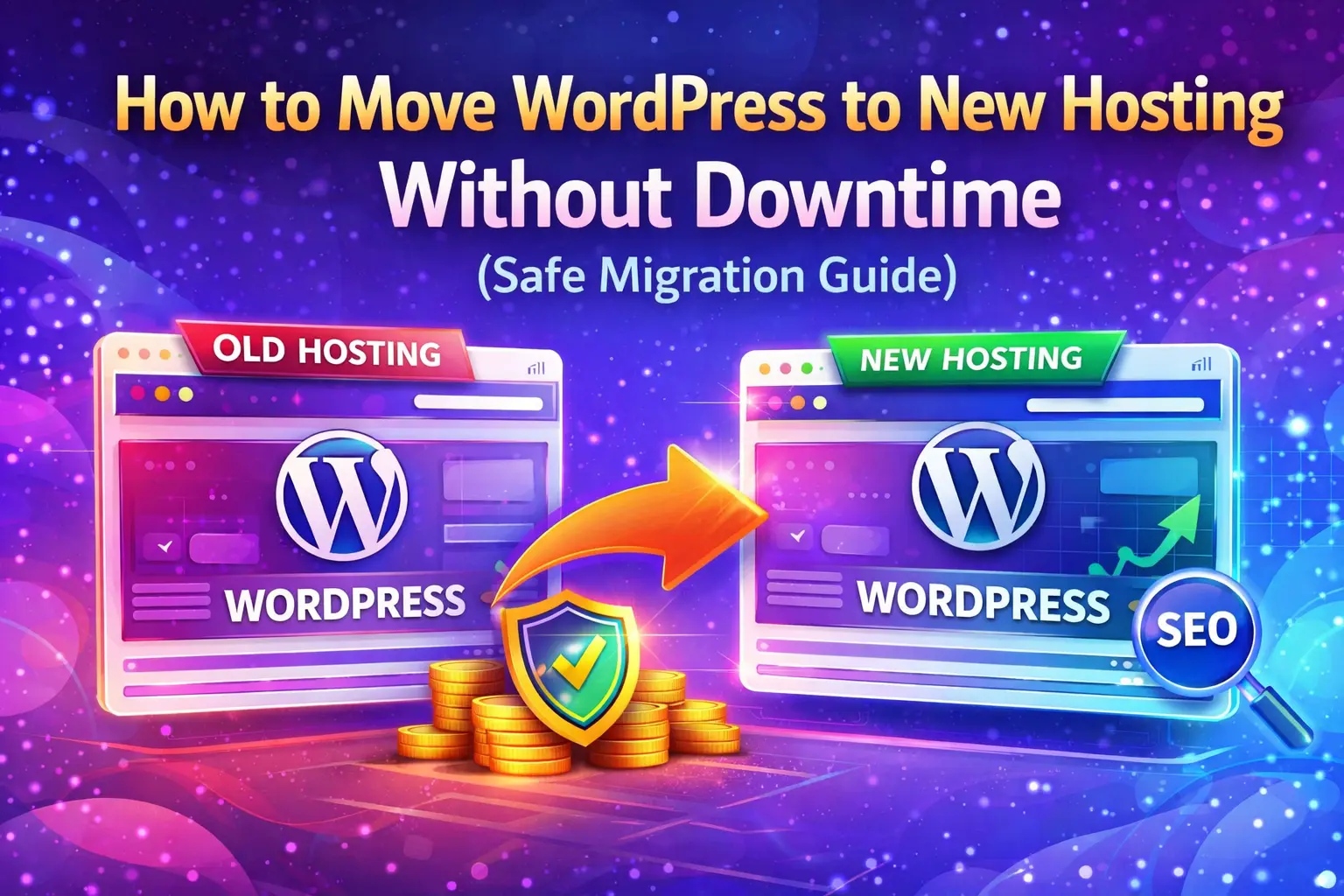
Moving a WordPress website to a new hosting provider is a common requirement when your site becomes slow, unstable, or outgrows its current server. While migration can improve performance and reliability, doing it incorrectly can cause downtime, broken pages, data loss, and SEO ranking drops.
This guide explains how to move WordPress to new hosting safely, common risks involved, and why many businesses choose professional help for a smooth, SEO-friendly migration.
What Is WordPress Hosting Migration?
WordPress hosting migration is the process of transferring your entire website from one hosting provider to another. This includes:
- Website files and folders
- WordPress database
- Themes and plugins
- Media files and uploads
- Configuration and settings
A proper migration ensures your website continues to function normally while benefiting from better speed, uptime, or support on the new hosting.
Common Reasons to Move WordPress to New Hosting
- Slow website loading speed
- Frequent server downtime
- Limited hosting resources
- Poor customer support
- Security or reliability issues
- Business growth requiring better infrastructure
If your website generates traffic, leads, or revenue, upgrading hosting is often a necessary step.
Step-by-Step Guide to Move WordPress to New Hosting
Important: These steps are shared for understanding the process. Attempting them on a live website without experience can be risky.
- Create a Full Website Backup
Backup all files and the database before making any changes. - Download Website Files
Use FTP or hosting file manager to download WordPress files. - Export the Database
Export your WordPress database using phpMyAdmin. - Set Up New Hosting Environment
Create a new database and database user on the new hosting. - Upload Files to New Hosting
Upload all WordPress files to the new server. - Import Database
Import the database backup into the new hosting. - Update wp-config.php
Update database credentials to match the new hosting. - Test the Website
Check pages, images, forms, and admin login using a temporary URL. - Update DNS Settings
Point your domain to the new hosting server.
DNS propagation may take a few hours, during which visitors may see either version of the site.
Mistakes to Avoid During WordPress Migration
- Skipping full backups
- Editing files without testing
- Migrating during peak traffic hours
- Forgetting database or URL updates
- Ignoring SEO and internal links
These mistakes are common causes of broken websites and traffic loss.
SEO Risks When Moving WordPress Hosting
An improperly handled migration can lead to:
- Temporary or permanent ranking drops
- Pages removed from Google index
- Crawl errors in Search Console
- Broken internal and external links
If you are also changing domains, SEO risk increases further. In such cases, follow a complete Website Migration SEO Checklist.
When Should You Hire a Professional?
You should consider professional help if:
- Your website is business-critical
- You want zero or near-zero downtime
- You are changing hosting and domain together
- You want SEO rankings protected
- You lack technical experience
MKB Infotech offers a dedicated Website Migration Service that ensures secure transfer, SEO protection, and minimal downtime.
If your site is already facing issues, our WordPress Fix & Repair Service can help restore stability quickly.
Frequently Asked Questions
Will my website go offline during migration?
When handled correctly, downtime is minimal or completely avoided.
Will SEO rankings be affected?
No. SEO-safe migration practices protect rankings and indexing.
How long does WordPress hosting migration take?
Most migrations are completed within 24 to 48 hours.
Is DIY migration safe?
DIY migration is risky for live business websites and can cause data or SEO issues.
Move Your WordPress Website Safely with MKB Infotech
Your website is a valuable digital asset. A small migration mistake can cost traffic, leads, and revenue.
Let MKB Infotech handle your WordPress hosting migration safely, professionally, and without SEO risk.
👉 Contact us today for expert WordPress migration support.
✔ No downtime • ✔ SEO-safe • ✔ Secure transfer